People today are more welcoming of engaging websites than static pages. The best animation tools help designers create smoother and more interactive experiences. Well-crafted animations add movement and personality to digital products. They also improve engagement, support navigation, and keep visitors interested for longer.
Static websites can feel less memorable and visually appealing. Effective animation tools help create dynamic experiences that capture attention. When used thoughtfully, animations guide users through key interactions. They can also enhance usability while maintaining strong performance, fast loading times, and SEO efficiency.
Why Using Animation in a Website Matters
Web animations do more than look pretty. Animations guide users through content and highlight important interactions. They create engaging narratives and leave lasting impressions. Key benefits include:
- Higher engagement: Micro-interactions make websites feel responsive and modern.
- Better user experience (UX): Animations help users understand actions and reduce confusion.
- Stronger conversions: Thoughtful motion can guide visitors toward important calls-to-action.
However, poorly implemented animations can be a backlash. It slows down your site and hurts SEO. The golden rule is to prioritize performance: animate only transform and opacity properties, respect prefers-reduced-motion, and always test on real devices.
Best Animation Tools for Web Developers and Designers
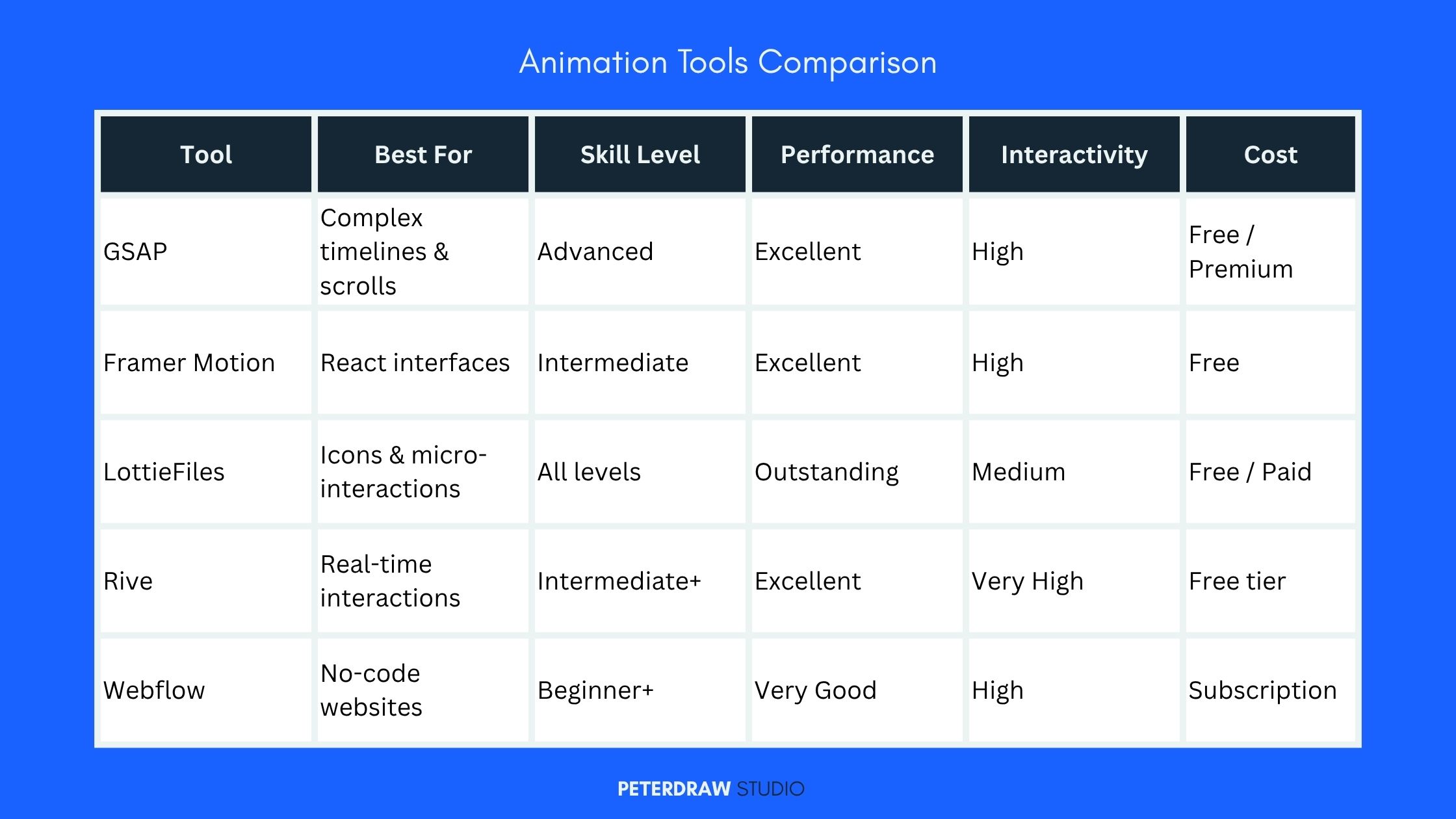
Great animation tools bring websites to life effortlessly. Several strong options suit various project needs. They work well for both beginners and experts alike.
GSAP (GreenSock Animation Platform) – Best for Complex Animations
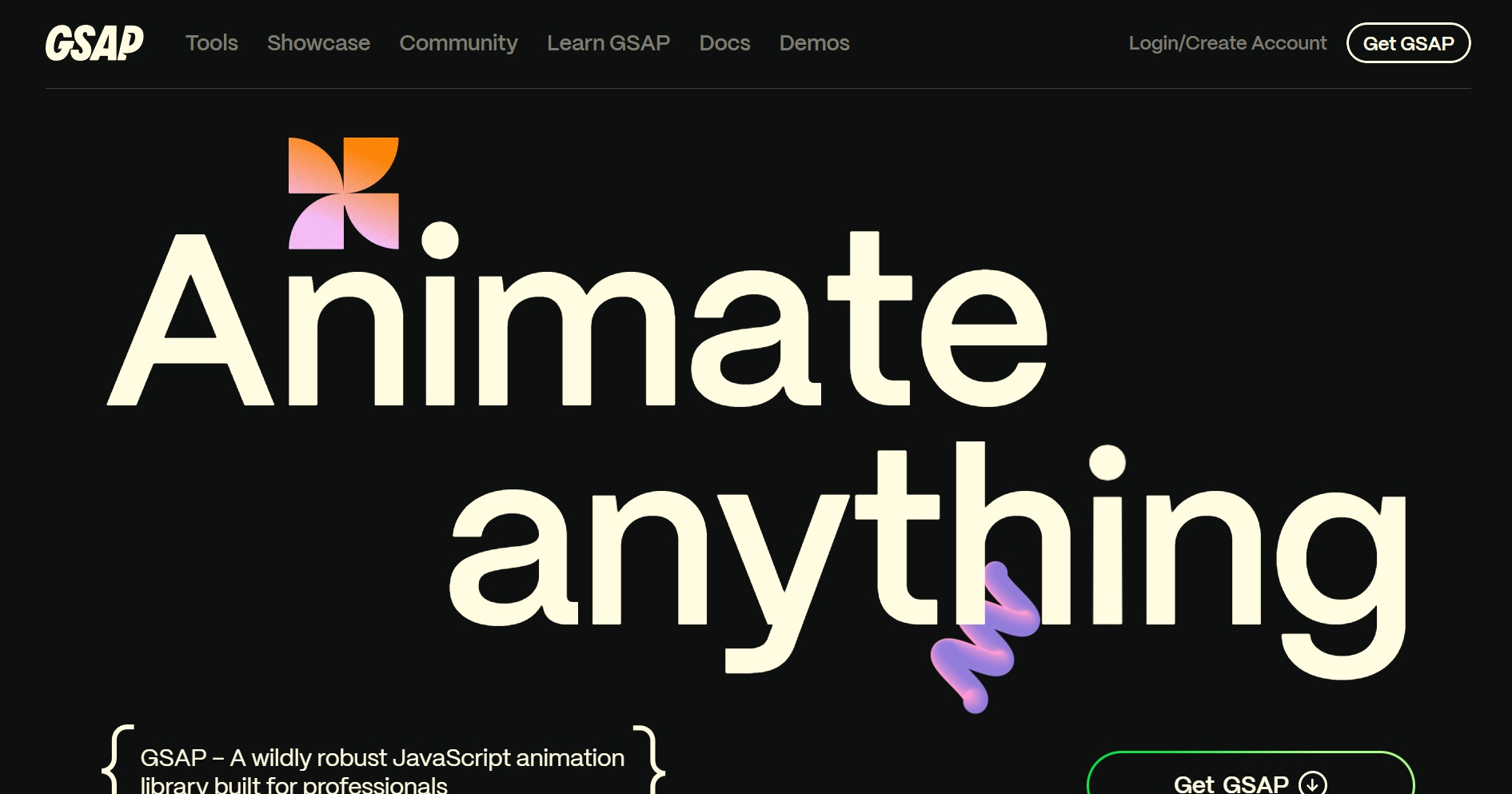
GSAP is widely regarded as one of the most powerful animation tools for professional developers. This JavaScript library gives you precise control over timelines, easing, and sequencing, perfect for scroll-based stories, intricate SVG animations, and immersive experiences. Choose GSAP when you need pixel-perfect control for marketing sites or data visualizations.
Pros:
- Outstanding performance across all browsers.
- Works with any framework (React, Vue, vanilla JS, etc.).
- Powerful plugins like ScrollTrigger and MotionPath.
- Excellent documentation and active community.
Cons:
- Steeper learning curve for complete beginners.
- Some advanced features require a Club membership (core library is free).
Framer Motion – Ideal for React Projects
For modern React applications, Framer Motion stands out among best animation tools. It offers a simple, declarative way to add smooth animations, gestures, and layout transitions. If your site uses React, Framer Motion can dramatically speed up development while delivering delightful interactions.
Pros:
- Intuitive syntax and great developer experience.
- Built-in support for accessibility and reduced motion.
- Excellent performance with small bundle size.
- Supports spring physics and drag interactions.
Cons:
- Best suited for React ecosystems.
- Less ideal for highly custom non-React timelines.
LottieFiles – Perfect for Lightweight Vector Animations
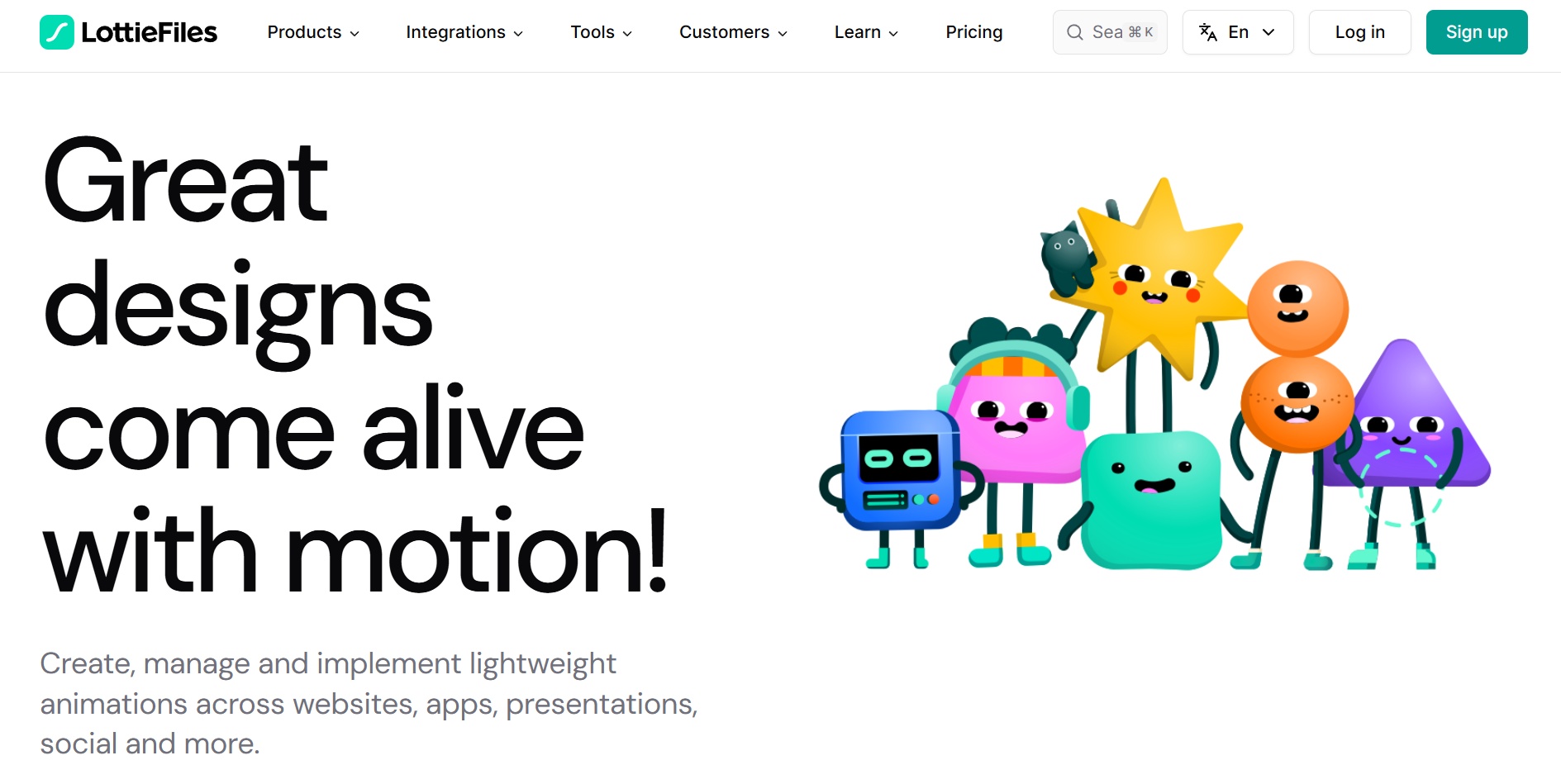
LottieFiles lets you export beautiful animations from After Effects (or similar tools) as tiny JSON files that run smoothly on the web. It’s one of the most popular best animation tools for icons, loaders, hero sections, and micro-interactions. Lottie is excellent when you want rich motion with minimal performance impact.
Pros:
- Extremely small file sizes compared to videos or GIFs.
- Scalable and crisp on any screen.
- Large library of ready-made animations.
- Easy integration with most frameworks and no-code platforms.
Cons:
- Limited real-time interactivity compared to pure code solutions.
- Custom animations usually require design software.
Rive – Best for Interactive Runtime Animations
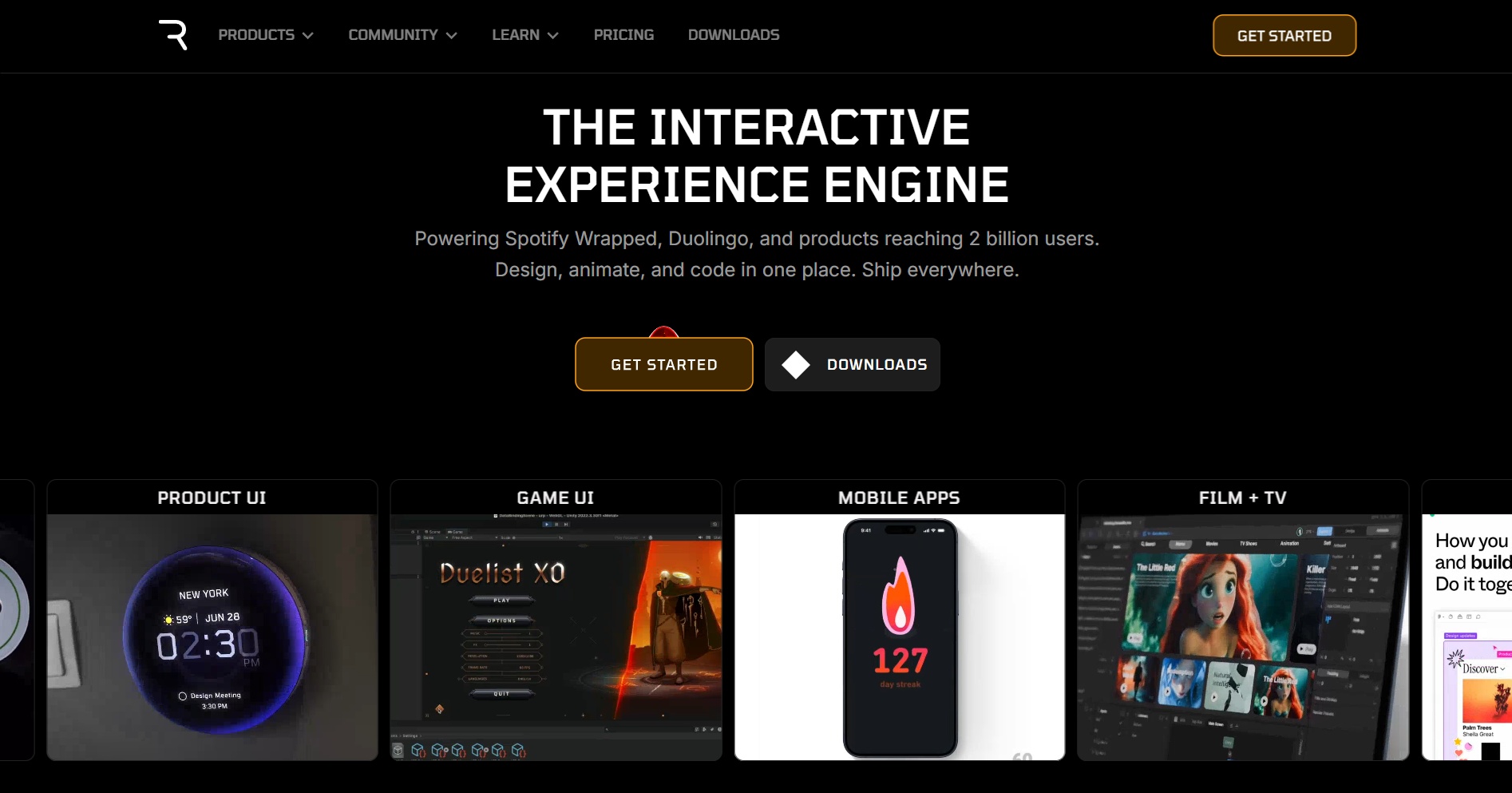
Rive has become a favorite animation tool for creating vector animations that respond to user input in real time using state machines. Rive shines when you want elements that feel truly alive and responsive.
Pros:
- Powerful interactivity (hover, click, scroll responses).
- Small file sizes and high runtime efficiency.
- Great for games, UI components, and immersive experiences.
Cons:
- Learning curve for advanced state logic.
Webflow Interactions – Top No-Code Option
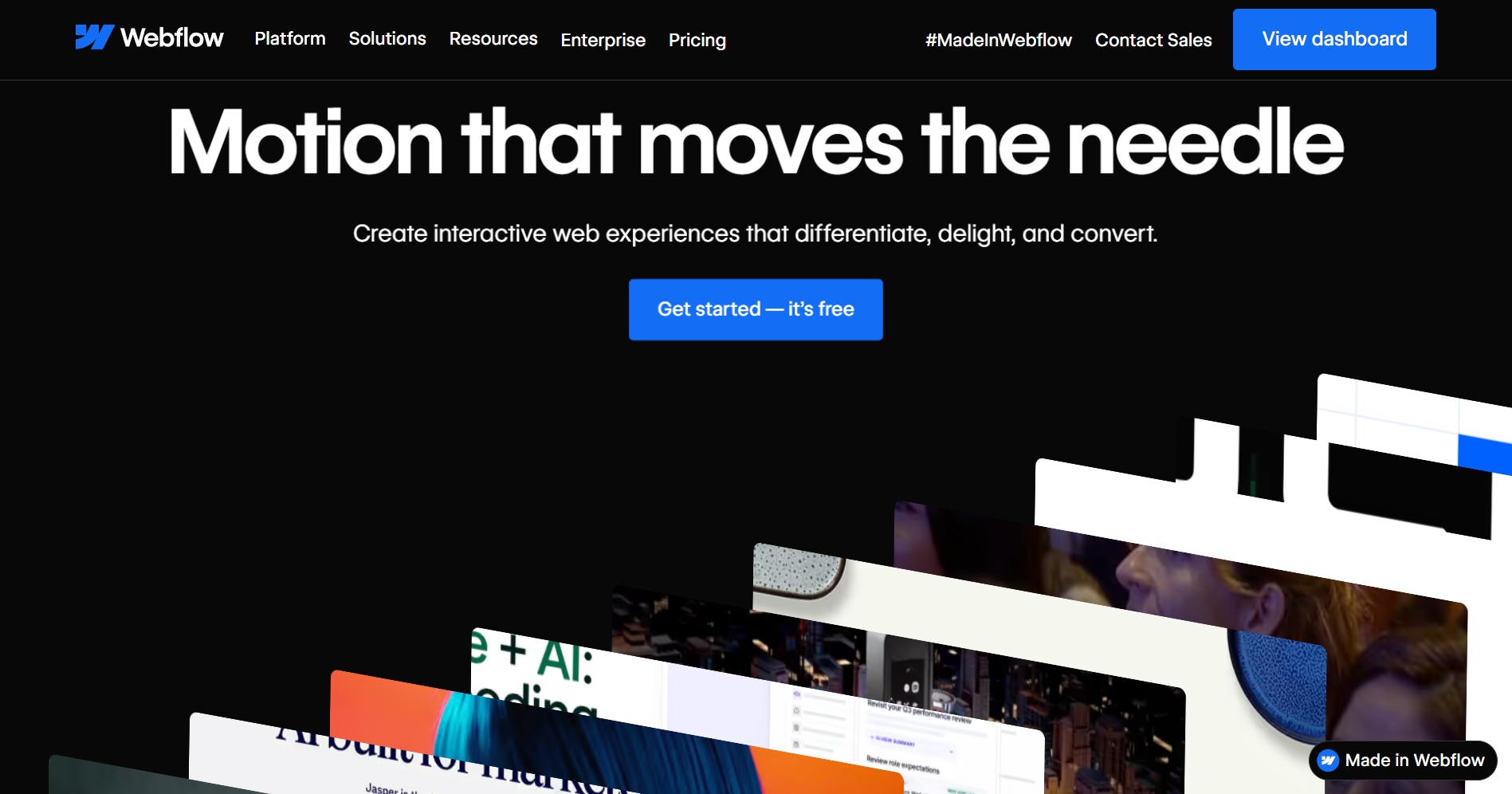
Webflow’s built-in animation tools (powered by GSAP) allow designers to create sophisticated interactions without writing code. It also supports Lottie, Rive, and Spline natively. Ideal for agencies and non-developers building marketing sites.
Pros:
- Visual timeline editor.
- Responsive and accessible by default.
- Fast prototyping.
Cons:
- Works best inside the Webflow platform.
Other Notable Animation Tools
Besides the major options, several other best animation tools are worth considering depending on your specific needs. CSS Animations and Transitions remain a popular choice because they are completely free, native to browsers, and highly performant for simple effects. Anime.js is a lightweight JavaScript library that works great for creating timeline-based animations with minimal code.
For stunning 3D web experiences, Spline offers powerful capabilities that are easy to integrate. Finally, Adobe Animate and After Effects continue to be excellent for designing and exporting high-quality animation assets that can be used across different web platforms.
Best Practices for Web Animations
Good web animations need smart implementation. Follow these key practices closely. They help maintain excellent performance. Your site stays fast and user-friendly. These tips also support strong SEO results.
- Performance First: Limit animations and use hardware-accelerated properties.
- Accessibility: Always support prefers-reduced-motion.
- SEO Friendly: Load critical content immediately and lazy-load heavy animations.
- Mobile Optimization: Keep animations subtle on smaller screens.
- Test Thoroughly: Check engagement metrics and real-device performance.
Unlock the Power of Best Animation Tools for Your Modern Website
Mastering the right animation tools can truly set your website apart in today’s highly competitive digital world. Whether you prefer the precision of GSAP, the simplicity of Framer Motion, the lightness of Lottie, or the powerful interactivity of Rive, one thing remains essential. Thoughtful implementation that puts user experience first will always deliver the best results.
Start small with simple hover effects and loading states before moving to more advanced scroll-triggered interactions. Take time to experiment with one or two tools from this guide and carefully measure their impact on user engagement. With the right animation tools, your animations will do much more than decorate your site. They will drive real business results and stronger connections with visitors.
Ready to create websites that users love to interact with? Explore these best animation tools today and begin taking your web projects to the next level. The possibilities are endless when you combine creativity with performance-focused techniques.